Thinking critically about online information in an AI age
Free online safety and media literacy teaching resources for UK primary schools
In this pillar, you'll find a range of activities that teach pupils to Check it's For Real when online. The pack includes an overview of the pillar, vocabulary sheets and seven activities for ages 7–11. There are also three lesson plans with guided notes, ready to teach: Lessons 1 and 3 for ages 7–9, and Lesson 9 for ages 9–11.
The activities cover topics such as spotting phishing scams, working out who someone really is online, judging whether a source is credible, and responding safely to messages from people pupils may not know.
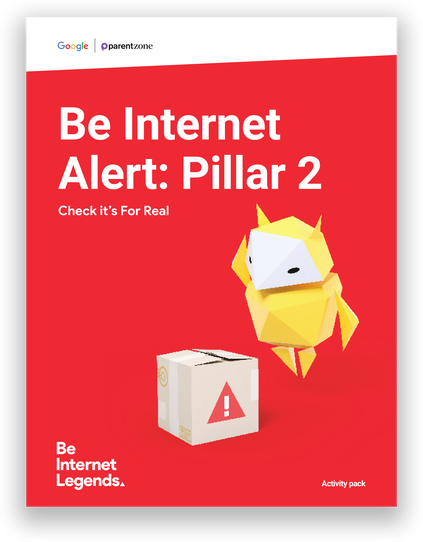
The pillar has been updated to help pupils navigate a world where AI can make it harder to tell fact from fiction. Pupils learn how scammers can use AI to clone voices or create fake videos, and why it's important to check before sharing anything. They also find out why AI-generated answers and images always need checking.
Four activities have a Media Literacy focus. They build pupils' skills in evaluating sources, identifying disinformation and searching effectively online – including how AI summaries appear in search results, how to write good prompts, and why it's always worth checking the original source.
Lesson Plans
These Be Internet Alert Lesson Plans use activities from the Alert Activity Pack to deliver age-appropriate lessons. Each lesson plan includes objectives, outcomes, differentiations and extensions.
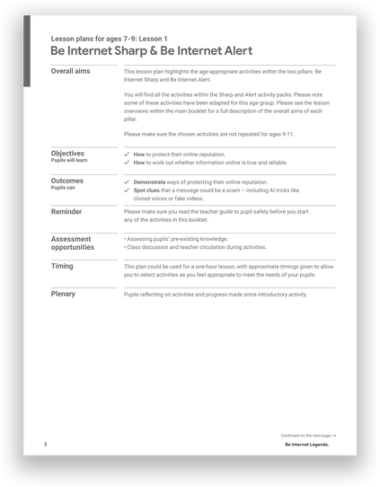
Lesson 1: Be Internet Sharp & Be Internet Alert
Pupils explore how to protect their online reputation and decide which personal information is OK to share. They review privacy scenarios, including one about using an AI tool. They also spot phishing scams, including AI tricks like cloned voices, and play Interland: Reality River.
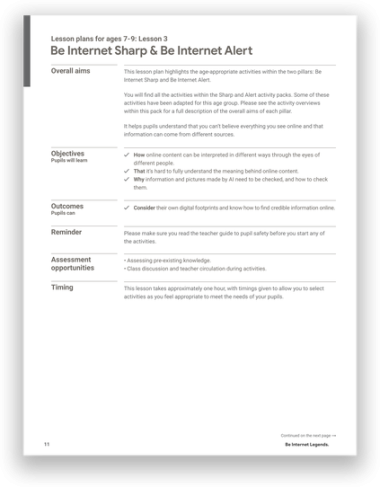
Lesson 3: Be Internet Sharp & Be Internet Alert
Pupils look at online profiles through other people's eyes and design emoji t-shirts to see how easily messages can be misunderstood. They also learn how to check whether a source is credible, including information and pictures made by AI, using common sense, good questions and trusted sources.
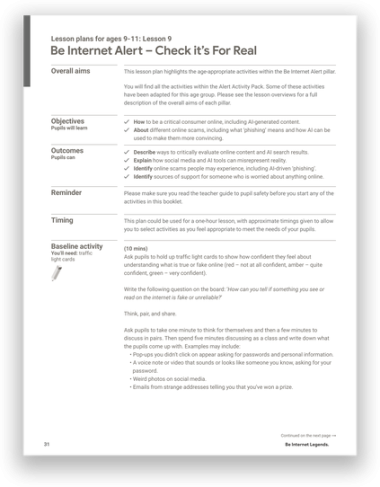
Lesson 9: Be Internet Alert
Pupils learn how to spot phishing scams by deciding which messages and websites are real and which are fake. They work through scenarios about who someone really is online, including AI voice notes and videos that copy people they know. They also discuss why it's important to check before sharing anything.
Lesson Presentations
Download supporting interactive lessons which work with the activities included in your Pillar Packs.
All lessons are integrated with Google Classroom. Explore all lesson plans here.
Lesson 1: Be Internet Sharp & Be Internet Alert
Add to Google Classroom or Drive.

Share to Classroom
Lesson 3: Be Internet Sharp & Be Internet Alert
Add to Google Classroom or Drive.
Share to Classroom
Lesson 9: Be Internet Alert – Check it’s For Real
Add to Google Classroom or Drive.
Share to Classroom