Making better decisions in a changing digital world
Free online safety and media literacy teaching resources for UK primary schools
In this pillar, you'll find a range of activities that teach pupils to Think Before You Tap when online. The pack includes an overview of the pillar, vocabulary sheets and 10 activities for ages 7–11, with versions for each age group where needed. There are also five lesson plans with guided notes, ready to teach: Lessons 1, 3 and 7 for ages 7–9, and Lessons 8 and 14 for ages 9–11.
The activities cover topics such as which personal information is OK to share online and which isn't, digital footprints, online reputation, and checking whether platforms and tools are age-appropriate.
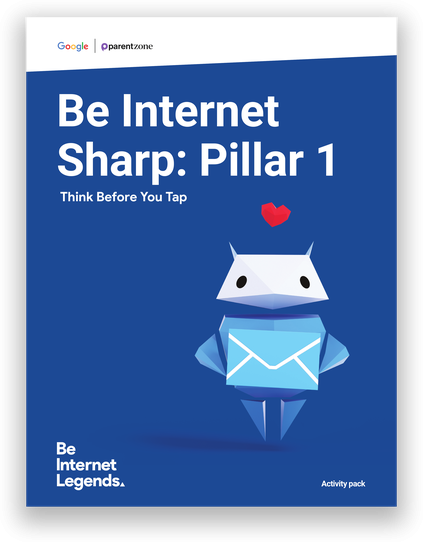
The pillar has been updated to help pupils understand AI and how it works. New activities explore what AI is and what it isn't, how it can be used positively, and how to find a healthy balance. Two new lesson plans bring these together: Lesson 7 for ages 7–9 and Lesson 14 for ages 9–11. Pupils also design their own AI invention and learn why a human should always stay in charge.
Two activities have a Media Literacy focus. They explore how media is interpreted in the offline world, and how visual media – including AI-generated images – is framed and shaped by the choices and prompts behind it.
Lesson plans
These Be Internet Sharp Lesson Plans use activities from the Pillar Activity Packs to deliver age-appropriate lessons. Each lesson plan includes objectives, outcomes, differentiations and extensions.
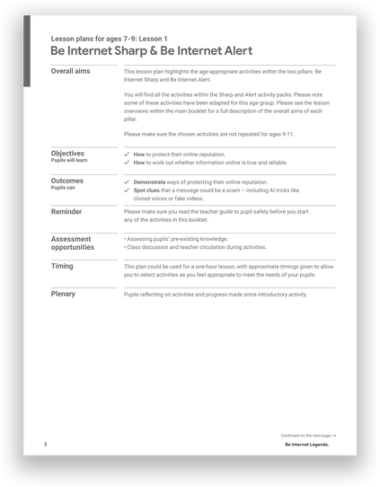
Lesson 1: Be Internet Sharp & Be Internet Alert
Pupils explore how to protect their online reputation and decide which personal information is OK to share. They review privacy scenarios, including one about using an AI tool. They also spot phishing scams, including AI tricks like cloned voices, and play Interland: Reality River.
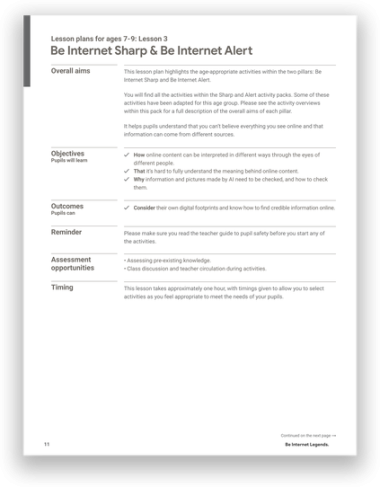
Lesson 3: Be Internet Sharp & Be Internet Alert
Pupils look at online profiles through other people's eyes and design emoji t-shirts to see how easily messages can be misunderstood. They also learn how to check whether a source is credible, including information and pictures made by AI, using common sense, good questions and trusted sources.
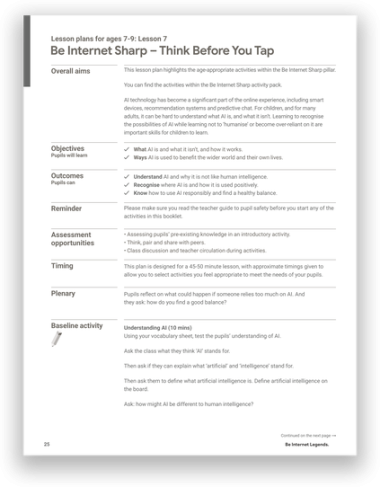
Lesson 7: Be Internet Sharp
Pupils learn what AI is and what it isn't, sorting everyday technology into "AI" and "Not AI". They explore how AI helps in the wider world and in their own lives, then reflect on what happens if we rely on it too much and agree a class golden rule for a healthy balance.
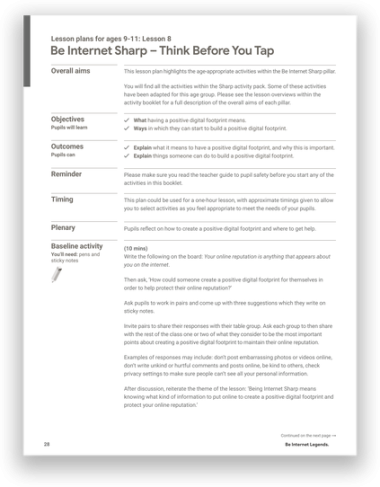
Lesson 8: Be Internet Sharp
Pupils explore what a positive digital footprint means and how to build one. They decide which personal information is OK to share, study fictional online profiles and consider how other people might see them. They also review privacy scenarios, including one about sharing information with an AI tool.
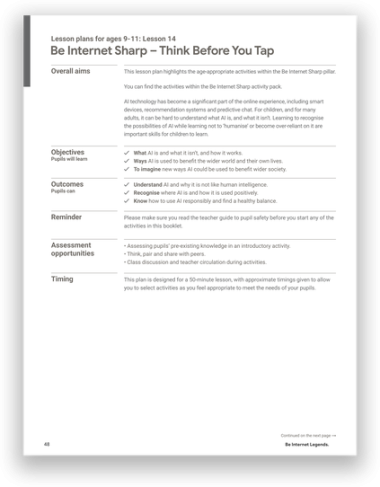
Lesson 14: Be Internet Sharp
Pupils learn how AI works using a recipe analogy, then sort everyday technology into "AI" and "Not AI" and tell generative AI apart from predictive AI. In groups, they design their own AI invention with a Human Takeover Button, exploring why people must always stay in charge of AI.
Lesson Presentations
Download supporting interactive lessons which work with the activities included in your Pillar Packs.
All lessons are integrated with Google Classroom. Explore all lesson presentations here.
Lesson 1: Be Internet Sharp & Be Internet Alert
Add to Google Classroom or Drive.

Share to Classroom
Lesson 3: Be Internet Sharp & Be Internet Alert
Add to Google Classroom or Drive.
Share to Classroom
Lesson 7: Be Internet Sharp - Using AI Responsibly
Add to Google Classroom or Drive.
Share to Classroom
Lesson 8: Be Internet Sharp - Think Before You Share
Add to Google Classroom or Drive.
Share to Classroom
Lesson 14: Be Internet Sharp - Using AI Responsibly
Add to Google Classroom or Drive.
Share to Classroom